
How to Use AI at Work (and Explain It)
If you are wondering how to use AI at work in a way your manager will trust, this plan covers both halves: doing the work and explaining it. You practice writing prompts, checking AI output, using AI for everyday tasks and presenting AI-assisted work to your manager and in interviews. A live AI voice coach asks the questions your manager will ask and gives feedback with one thing to fix.
- Free
- 3 h 40 min in total
- 5 skills
- 5 guided lessons
- 9 spoken practices
Free to start. You practice by voice, so find a quiet spot and use your microphone.
Tell your coach your role and date, and it rebuilds this plan for you.
Make it yours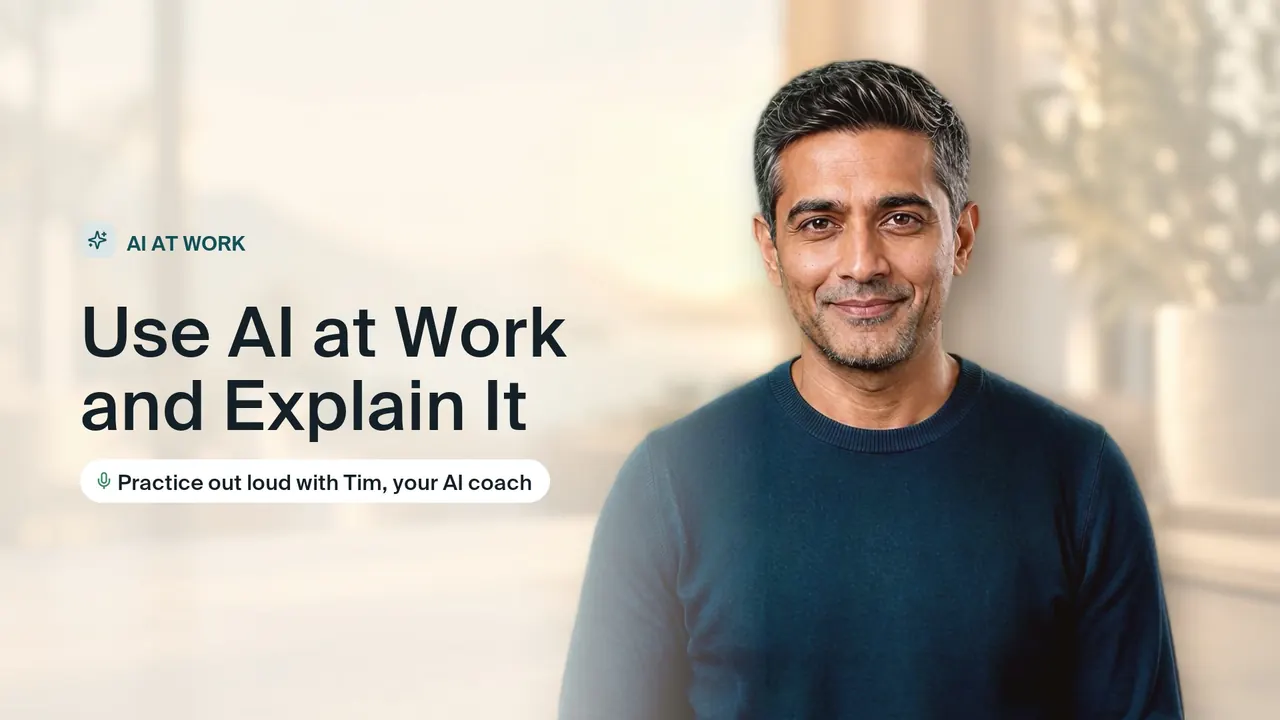
Use AI at work with good judgment, and explain your results with confidence.
Who this goal is for
- You are new to AI tools and want a sensible place to start with the tasks you already do.
- You already use AI for drafts but are not sure how to check the output or protect company information.
- Your manager has asked how you used AI on a piece of work and you want a clear, confident answer.
- You are preparing for interviews and expect questions about how you use AI in your role.
About this goal
Learn to use AI tools for real work and, just as important, explain what you did. Practice writing prompts, checking AI output, using AI for everyday tasks, explaining AI work to your manager, and talking about AI in interviews. Tim asks the questions your manager will ask.
What you will learn and practice
5 skills, each taught in a guided lesson and then practiced out loud with the coach.
3 h 40 min total5 lessons9 practices
Writing prompts that work
Skill 1, 50 min, 3 sessionsYou will meet with a coach to learn how to write effective instructions for an AI tool. Together, you will practice giving the tool a clear persona, background information, and a specific layout for its response.
- Lesson
Build a strong prompt structure
20 min - Practice
Draft your first clear instruction
15 minYou take a real task from your job and say a prompt that gives the AI a persona, the background it needs and the layout you want. The coach checks each part and points out what is missing.
- Practice
Refine a weak response
15 minThe coach describes an AI answer that missed the mark, and you explain what went wrong and how you would follow up. You are checked on fixing the cause rather than just asking again.
- Lesson
Checking AI output
Skill 2, 50 min, 3 sessionsYou will meet with a guide to learn how to spot false information and incorrect numbers in AI-generated text. You will also discuss how to protect your company's private details when using these tools.
- Lesson
Learn how to review AI work
15 min - Practice
Find errors in an AI draft
20 minThe coach shares an AI draft with false claims and wrong numbers mixed in. You talk through what you would check and how, and the coach scores which errors you caught and which slipped past.
- Practice
Protect sensitive company information
15 minYou review a request out loud and identify company or customer details that should not go into an AI tool. The coach checks your judgment and asks how you would get the same help safely.
- Lesson
AI for everyday tasks
Skill 3, 45 min, 3 sessionsYou will meet with your coach to learn how to guide artificial intelligence to handle your daily writing and planning. Together, you will practice writing clear instructions to summarize long articles, draft fast emails, and organize scattered thoughts.
- Lesson
Learn to automate your daily writing
15 min - Practice
Summarize a document and write emails
15 minYou explain how you would prompt AI to summarize a long document and then draft a follow-up email from it. The coach checks that the summary would stay accurate and the email fits its reader.
- Practice
Create step-by-step plans from notes
15 minYou take scattered notes and explain how you would have AI turn them into an ordered plan with clear next steps. The coach checks that the plan is realistic and that nothing important was dropped.
- Lesson
Explaining AI work to your manager
Skill 4, 30 min, 2 sessionsYou will meet with your coach to learn how to present your AI-assisted work clearly to a manager. You will practice organizing your thoughts around what the tool did, how you verified it, and what risks remain.
- Lesson
Structure your AI project update
15 min - Practice
Practice presenting to your boss
15 minYou present a piece of AI-assisted work to the coach, playing your boss, covering what the tool did, how you verified it and what risks remain. The coach asks follow-up questions your manager would ask.
- Lesson
Talking about AI in interviews
Skill 5, 45 min, 3 sessionsYou will work with a guide to outline a two-minute story about an AI project you choose from your own experience. You will practice explaining what you did, how you checked the results, and why you made those choices.
- Lesson
Structure your quick project story
15 min - Practice
Pitch your project to a recruiter
15 minYou tell a short story about an AI project you worked on to the coach, playing a recruiter. The coach checks that you explain what you did, how you checked the results and why it mattered.
- Practice
Defend your results under tough questioning
15 minThe coach plays a skeptical interviewer who challenges your results and your use of AI. You respond with specific evidence and reasoning, and the coach checks that you stay clear and credible under pressure.
- Lesson
How practice works with the AI coach
Creatium Coach is a live AI voice coach. You do not watch videos or fill in quizzes: you talk, it listens, and it answers like the real person would.
Learn it with a guide
Each skill opens with a guided lesson. The coach explains the idea, asks you questions and checks you have it before you move on.
Practice it out loud
In each practice the coach plays the other side: the interviewer, the customer, the buyer or your team. You answer in your own words, by voice.
Get one thing to fix
After every answer you hear what worked and the one change that would make it stronger, then you try again until it sounds right.
Make it yours
Tell the coach your role, your company or your situation and it reshapes the plan around your goal. The ready-made goal is just the start.
Questions about how to use ai at work
How do I start using AI at work as a beginner?
Start with one low-risk task you do often, such as summarizing a document or drafting a routine email. Give the AI clear context about the task, the audience and the format you want, then review and edit the result before using it. Check your company's policy on which tools are allowed and what data you can share. This plan helps you practice those first tasks out loud, and you can tell the coach your role so the examples match your job.
How do I use AI safely at work?
Follow your organization's AI policy and use only approved tools. Do not paste confidential company data, customer details or anything covered by privacy rules into a tool that is not cleared for it. Treat AI output as a draft: verify facts, numbers and names, and be ready to explain how you checked them. The plan includes practice on finding errors in an AI draft and protecting sensitive information, with the coach checking what you catch.
How can I use AI to be more productive at work?
Use AI for the parts of work that are slow but not hard: first drafts, summaries, turning notes into plans and reformatting information. Save prompts that work well so you can reuse them, and spend the time you save on review and judgment. The biggest gains come from tasks you repeat often, not one-off experiments. In the plan you practice these everyday tasks and then explain the results to a coach who plays your manager.
More in AI at Work
AI Agents Fundamentals
Understand how AI agents work, design one, and explain it with confidence. Free, with practice out loud.
Generative AI for Students
Use AI to learn faster and build projects, honestly, and talk about it in placement interviews.
Prompt Engineering Basics
Write prompts that get useful answers the first time. Practice with real tasks and explain your choices out loud.
Start Use AI at Work and Explain It for free
Your coach builds the plan, teaches each skill and practices with you out loud until you are ready.