
Free Generative AI Course for Students
This free generative AI course is built for college students and freshers who want to use AI to learn faster and build projects honestly. You cover studying with AI, research and citations, projects with AI help, ethics and plagiarism, and how to talk about AI in placement interviews. You practice out loud with a live AI voice coach who plays your professor and your interviewer.
- Free
- 3 h 40 min in total
- 5 skills
- 5 guided lessons
- 9 spoken practices
Free to start. You practice by voice, so find a quiet spot and use your microphone.
Tell your coach your role and date, and it rebuilds this plan for you.
Make it yours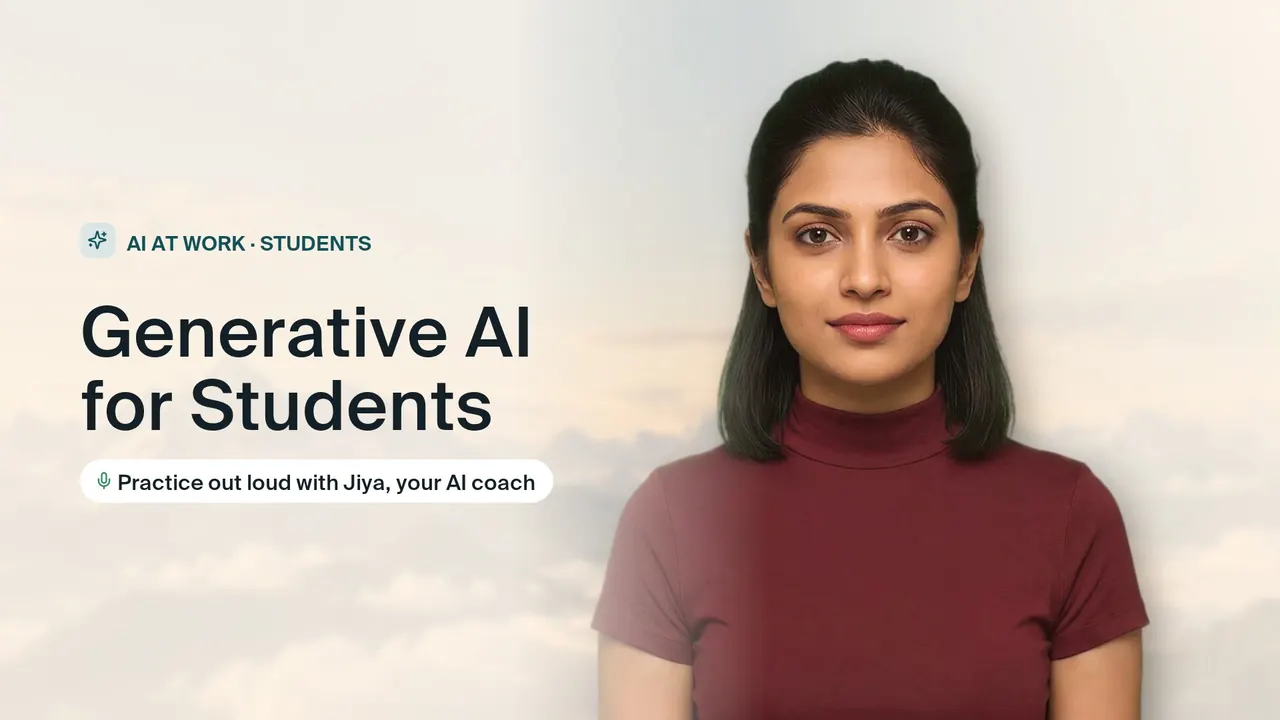
Use AI to learn and build projects, and talk about it in interviews.
Who this goal is for
- You are a college student who wants AI to explain hard topics without crossing into copying answers.
- You are writing a paper or report and need real sources, not links that AI made up.
- You are building a project with AI help and want to be able to explain which parts are your own work.
- You are a fresher preparing for placement interviews and expect to be asked how you used AI.
About this goal
For college students and freshers. Use AI to learn faster and build projects honestly: studying with AI, research and citations, projects with AI help, ethics and plagiarism, and talking about AI in placement interviews. Jiya plays your professor and your interviewer.
What you will learn and practice
5 skills, each taught in a guided lesson and then practiced out loud with the coach.
3 h 40 min total5 lessons9 practices
Studying with AI honestly
Skill 1, 35 min, 2 sessionsYou will work with a coach to learn how to ask an AI for clear explanations instead of copied answers. You will also practice checking your own school guidelines to make sure you use technology safely.
- Lesson
Set boundaries for digital helpers
15 min - Practice
Create custom practice tests
20 minYou explain how you would ask an AI to quiz you on a topic from your own course, without handing you the answers. The coach checks that your prompt builds real understanding and fits your school's rules.
- Lesson
Research and citations
Skill 2, 45 min, 3 sessionsYou will meet with your coach to explore how to guide AI to suggest real articles and identify when it makes up fake links. You will practice asking the right questions to get trustworthy material and learn how to double-check every recommendation.
- Lesson
Master finding and verifying real sources
15 min - Practice
Find and verify academic sources
15 minYou describe how you would ask an AI for sources on a research question, then explain how you would confirm each one exists. The coach checks whether you would catch a made-up article or link.
- Practice
Format citations for your paper
15 minYou talk through citing a set of sources in the style your paper requires. The coach, playing your professor, checks the details you mention and asks how you would confirm each citation against the original.
- Lesson
Projects with AI help
Skill 3, 50 min, 3 sessionsYou will meet with a guide to discuss a project idea you want to build. Together, you will map out how to safely ask an AI assistant to help you sketch the layout and code without taking shortcuts.
- Lesson
Map out your project with a mentor
20 min - Practice
Create your plan using smart tools
15 minYou explain how you would use an AI assistant to sketch the layout and structure of your project. The coach checks that the AI supports your thinking rather than doing the core work for you.
- Practice
Write down your own work steps
15 minYou describe, step by step, which parts of your project you did yourself and where AI helped. The coach checks that your record is clear enough to show a professor or interviewer.
- Lesson
Talking about AI in interviews
Skill 4, 45 min, 3 sessionsYou will meet with your coach to outline how you used AI in a project you worked on. You will structure your story to highlight how you verified the results and made the final decisions.
- Lesson
Plan your AI project story
15 min - Practice
Explain your AI tool usage
15 minThe coach plays a placement interviewer and asks how you used AI on a project. You explain what the tool did, how you checked it and what you decided, and the coach checks for clarity and honesty.
- Practice
Defend your independent work choices
15 minThe interviewer pushes back, asking whether AI really did the work. You defend your choices with specific examples of your own decisions, and the coach checks that you stay calm, honest and concrete.
- Lesson
Ethics and plagiarism
Skill 5, 45 min, 3 sessionsYou will meet with your guide to explore how to use online writing tools without cheating or sharing private details. You will review common traps like copying computer-written text and learn how to keep your personal information safe.
- Lesson
Identify rules for responsible tool use
15 min - Practice
Spot and fix private data leaks
15 minYou review a sample AI prompt out loud and point out personal or private details that should not be shared. The coach checks what you found and how you would rewrite the prompt safely.
- Practice
Correct one-sided computer answers
15 minThe coach shares an AI answer that presents only one side of an issue. You explain what is missing and how you would get a more balanced view, and the coach checks your reasoning.
- Lesson
How practice works with the AI coach
Creatium Coach is a live AI voice coach. You do not watch videos or fill in quizzes: you talk, it listens, and it answers like the real person would.
Learn it with a guide
Each skill opens with a guided lesson. The coach explains the idea, asks you questions and checks you have it before you move on.
Practice it out loud
In each practice the coach plays the other side: the interviewer, the customer, the buyer or your team. You answer in your own words, by voice.
Get one thing to fix
After every answer you hear what worked and the one change that would make it stronger, then you try again until it sounds right.
Make it yours
Tell the coach your role, your company or your situation and it reshapes the plan around your goal. The ready-made goal is just the start.
Questions about generative ai course
How can students use generative AI?
Students can use generative AI to explain difficult concepts in simpler terms, quiz themselves before exams, brainstorm project ideas and get feedback on a draft. It works best as a tutor, not a ghostwriter: ask it to explain and question you rather than produce work you submit. Always check facts and sources, and follow your institution's rules on AI use. In this plan you practice these habits out loud with a coach who plays your professor.
What is the difference between agentic AI and generative AI?
Generative AI creates content such as text, images or code in response to a prompt. Agentic AI goes a step further: it works toward a goal by planning steps, using tools and taking actions with some independence. Many agents use generative AI inside them, so the two are related rather than opposites. You can practice explaining this difference clearly with the coach, which also helps in interviews.
Is there a free AI course for students?
Yes. This plan is free and made for college students and freshers, covering studying with AI, research and citations, projects, ethics and plagiarism, and interview answers about AI. You do not need a technical background to start. You practice by talking with a live AI voice coach who gives feedback on every answer, and you can tell it your subject or course so the practice fits.
More in AI at Work

AI Agents Fundamentals
Understand how AI agents work, design one, and explain it with confidence. Free, with practice out loud.
Prompt Engineering Basics
Write prompts that get useful answers the first time. Practice with real tasks and explain your choices out loud.

AI for Excel and Data
Use AI to write formulas, clean data and find insights, and explain your numbers with confidence.
Start Generative AI for Students for free
Your coach builds the plan, teaches each skill and practices with you out loud until you are ready.