
Build AI Agents Without Code
This plan shows you how to build AI agents without coding, using no-code tools like Zapier and Make to design simple automations for real work. You practice out loud with a live AI voice coach, choosing the right task, mapping the workflow, planning how tools connect and testing what could go wrong. Then you pitch the time and money saved to a coach who plays a boss worried about errors and data.
- Free
- 3 h 40 min in total
- 5 skills
- 5 guided lessons
- 8 spoken practices
Free to start. You practice by voice, so find a quiet spot and use your microphone.
Tell your coach your role and date, and it rebuilds this plan for you.
Make it yours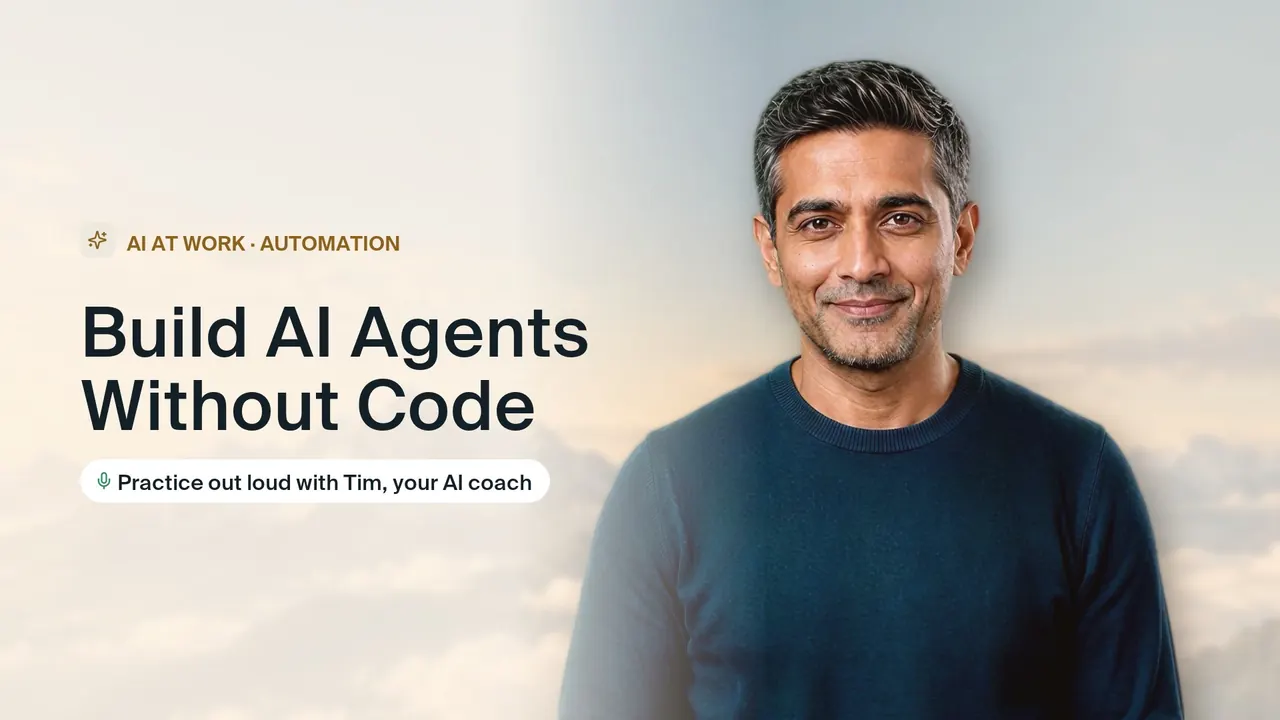
Automate real work with AI agents and make the case for it.
Who this goal is for
- You repeat the same copy and paste steps between apps every week and suspect an agent could handle them.
- You are an operations, sales or support professional who wants to automate work without learning to program.
- You have built a simple automation before but it breaks when the data gets messy.
- You need to convince a manager that an automation is worth it and safe to run.
About this goal
Design simple AI agents and automations with no-code tools like Zapier and Make. Practice choosing the right task, mapping the workflow, connecting tools, testing failure cases and presenting the time and money saved. Tim plays your boss who worries about errors and data.
What you will learn and practice
5 skills, each taught in a guided lesson and then practiced out loud with the coach.
3 h 40 min total5 lessons8 practices
What an agent can and can't do
Skill 1, 50 min, 3 sessionsYou will meet with your coach to define what an intelligent assistant can actually do for your business. Together, you will look at your daily tasks to find one repetitive process that is safe and ready to be automated.
- Lesson
Define your first smart assistant
20 min - Practice
Select a task and list dangers
15 minYou pick one repetitive task from your own work and explain why it suits automation. Then you list what could go wrong, and the coach checks whether you missed risks to data, customers or accuracy.
- Practice
Explain your automated assistant to coworkers
15 minYou explain your planned assistant to the coach, playing a skeptical coworker, in plain language. The coach checks that you are clear about what it will do, what it will not do and who stays in control.
- Lesson
Designing the workflow
Skill 2, 35 min, 2 sessionsYou will meet with your coach to map out a task you want to automate. Together, you will break it down into clear steps and decide what information moves through each part.
- Lesson
Map your first automation path
20 min - Practice
Write instructions and add checkpoints
15 minYou talk through the step by step instructions for your workflow and say where a human should review the output. The coach checks that each step is unambiguous and that checkpoints sit where mistakes would be costly.
- Lesson
Connecting your tools
Skill 3, 40 min, 2 sessionsYou will meet with your mentor to plan how different software programs talk to each other. You will decide what event starts your automation, how info moves between steps, and how to catch errors.
- Lesson
Map your first automated workflow
20 min - Practice
Link your apps and transfer data
20 minYou describe which event starts your automation, what data moves from one app to the next and how each field maps. The coach checks the flow for gaps and asks what happens when a step fails.
- Lesson
Testing and failure cases
Skill 4, 50 min, 3 sessionsYou will meet with your coach to look at how no-code workflows behave when they receive unexpected or messy information. You will discuss how to spot weak points in your automated setups and plan ways to prevent them from failing.
- Lesson
Study how automated steps break
20 min - Practice
Find the weak points in workflows
15 minThe coach describes a workflow and feeds you messy or unexpected inputs, and you explain where it would break. You are checked on spotting the weak links before they cause real problems.
- Practice
Build safety checks into setups
15 minYou propose specific safeguards for your own workflow, such as input checks, alerts and fallback steps. The coach tests each safeguard with a failure case and checks that it would actually catch the problem.
- Lesson
Explaining the ROI
Skill 5, 45 min, 3 sessionsYou will work with a coach to calculate the exact hours and money your new automation will save. You will also learn how to address common worries about data privacy and system mistakes.
- Lesson
Map out your business savings
15 min - Practice
Draft your savings calculation sheet
15 minYou walk through how often the task runs, how long it takes by hand and what the automation changes. The coach checks that your assumptions are realistic and that your savings estimate is easy to follow.
- Practice
Pitch your automation to your boss
15 minYou pitch your automation to the coach, who plays a boss worried about errors and data privacy. The coach pushes on your weakest point and checks that you answer concerns directly with a clear plan.
- Lesson
How practice works with the AI coach
Creatium Coach is a live AI voice coach. You do not watch videos or fill in quizzes: you talk, it listens, and it answers like the real person would.
Learn it with a guide
Each skill opens with a guided lesson. The coach explains the idea, asks you questions and checks you have it before you move on.
Practice it out loud
In each practice the coach plays the other side: the interviewer, the customer, the buyer or your team. You answer in your own words, by voice.
Get one thing to fix
After every answer you hear what worked and the one change that would make it stronger, then you try again until it sounds right.
Make it yours
Tell the coach your role, your company or your situation and it reshapes the plan around your goal. The ready-made goal is just the start.
Questions about how to build ai agents without coding
How do I build an AI agent without coding?
Begin with one repetitive, low-risk task and write out every step a person takes to do it. Then use a no-code automation tool to set a trigger, pass data between apps and add an AI step where judgment or writing is needed. Test it with messy and unexpected inputs, and add checkpoints where a human reviews the result before anything important happens. This plan takes you through that sequence out loud, and the coach checks your plan at each stage.
What is the best free no code AI agent builder?
There is no single best option; the right tool depends on which apps you already use and how complex the task is. Zapier and Make are widely used and both offer free plans with usage limits, and there are open source options you can host yourself if you are comfortable with more setup. Compare which tools connect to your apps, how they handle errors, and what happens when you pass the free limit. This plan focuses on designing the agent well, so your plan works whichever tool you choose.
How can I build AI agents for free?
Use the free plan of a no-code automation tool and start with a small workflow that runs only a handful of times a day, which usually fits inside free limits. Keep the design simple, test it carefully and expand only once it works reliably. Planning the steps on paper first saves you from burning through free runs on guesswork. This plan is free, and you practice choosing, mapping and testing your agent out loud with a coach before you build it.
More in AI at Work

AI Agents Fundamentals
Understand how AI agents work, design one, and explain it with confidence. Free, with practice out loud.

Generative AI for Students
Use AI to learn faster and build projects, honestly, and talk about it in placement interviews.
Prompt Engineering Basics
Write prompts that get useful answers the first time. Practice with real tasks and explain your choices out loud.
Start Build AI Agents Without Code for free
Your coach builds the plan, teaches each skill and practices with you out loud until you are ready.